GTD Methods That Actually Work to Clear Your Mind and Boost Productivity
Many of us struggle with endless to-do lists and the constant mental juggling of work and personal responsibilities. Despite using various apps and planners, keeping up with everything remains challenging.
Getting Things Done (GTD) stands out as a practical system that helps organize tasks effectively. Created by productivity expert David Allen, this method enables people to manage their responsibilities without the mental burden.
This article breaks down how GTD works, the science behind its effectiveness, and ways to implement it using tools that fit your lifestyle. Whether you’re managing complex work projects or trying to stay on top of daily tasks, GTD offers a structured approach to productivity.
How Does GTD Help When Other Methods Fail?
Traditional task management typically relies on deadline-based prioritization, which often leads to stress and forgotten commitments. GTD works differently by focusing on getting tasks out of your head and into a reliable system.
Instead of trying to remember everything, GTD encourages capturing all tasks externally. This frees up mental space and reduces anxiety. The system then guides you through processing these items into clear, actionable steps.
Unlike simple to-do lists that become cluttered and overwhelming, GTD helps categorize tasks based on what actions they require. This makes decision-making easier when choosing what to work on next.
Who Created GTD and Why Does It Matter?
David Allen developed GTD after working in over 35 different jobs before the age of 35. His varied career from gas station manager to magician gave him insights into workflow challenges across different fields.
In the 1980s, while consulting for Lockheed Martin, Allen noticed how mental overload affected productivity. He observed that the human brain isn’t built to store large amounts of information efficiently.
Allen’s key insight was that people perform better when they move tasks out of their minds into external systems. His principle that “your mind is for having ideas, not holding them” became central to GTD.
After refining his methods over years, Allen published “Getting Things Done: The Art of Stress-Free Productivity” in 2001. The book gained widespread popularity among professionals seeking better ways to manage their workloads.
What Are the Five Steps That Make GTD Work?

GTD follows a five-step workflow that helps transform vague responsibilities into manageable actions. Each step builds on the previous one to create a system that works reliably.
How Do You Capture Everything Without Missing Details?
The first step involves collecting every task, idea, and commitment that has your attention. This means writing down anything occupying mental space, from major projects to small errands.
Effective capturing methods include:
- Keeping a small notebook handy
- Using notes apps on your phone
- Recording quick voice memos
- Sending yourself emails with task reminders
When you capture consistently, you build trust in your system. This reduces the mental effort of trying to remember everything and helps prevent tasks from falling through the cracks.
Why Is Clarifying Tasks the Key to Moving Forward?
After capturing items, you need to determine what each one means and what action it requires. This step transforms vague ideas into specific, doable tasks.
For example, “Mom’s birthday” becomes “Order flowers for Mom” or “Call Mom on Saturday.”
Allen’s Two-Minute Rule helps with processing:
- If a task takes less than two minutes, do it immediately
- For longer tasks, decide whether to delegate, defer, or break down into smaller steps
This clarification process prevents items from remaining in an unclear state where they continue to cause mental friction.
What Makes Organizing Tasks in GTD Different?
Once tasks are clarified, GTD sorts them into meaningful categories that make them easier to manage and access. This organization system includes:
- Next Actions: Specific, immediately actionable tasks
- Projects: Multi-step outcomes requiring several actions
- Waiting For: Items delegated to others that need follow-up
- Someday/Maybe: Ideas and possibilities not currently active
- Reference Material: Information you might need later
This categorical organization makes deciding what to work on much simpler than scrolling through a lengthy, unstructured to-do list.
Why Weekly Reviews Prevent System Breakdown
The fourth step is regularly reviewing your system prevents items from getting lost or forgotten. A weekly review typically involves:
- Processing any new items in your capture tools
- Checking progress on active projects
- Updating next actions based on completed work
- Looking ahead to upcoming deadlines and commitments
Without this regular maintenance, even the best productivity system gradually becomes outdated and unreliable.
How Do You Choose What to Do in the Moment?
The final step focuses on actually doing the work. Rather than working from overwhelming to-do lists, GTD helps you select tasks based on practical factors:
- Context: What you can do in your current location
- Time available: Tasks that fit the time you have right now
- Energy level: Matching tasks to your current mental and physical state
- Priority: Work that aligns with your larger goals
This contextual approach prevents decision fatigue and helps you make better choices about where to focus your attention.
Why Does GTD Work Better Than Just Willpower?
The effectiveness of GTD isn’t just based on anecdotal evidence. Research in cognitive psychology supports the key principles behind the system.
Our brains have limited capacity for active memory. Scientific studies show that the average person can only hold about 4-7 items in working memory at once. When we try to remember dozens of commitments, we experience mental overload.
The Zeigarnik Effect explains why unfinished tasks continue to occupy mental space. Research shows our brains maintain tension about incomplete tasks until they’re finished or properly processed into a trusted system.
Studies on attention and focus demonstrate that shifting between tasks drains mental energy. By clarifying exactly what needs to be done next, GTD reduces this cognitive switching cost.
Allen describes the ideal GTD state as achieving “Mind Like Water,” the ability to respond appropriately to life’s demands without overreacting or underreacting. This balanced responsiveness comes from knowing your commitments are captured and organized effectively.
Which Apps Work Best With GTD?
While GTD can work with just paper and pen, digital apps make implementing the system more convenient. Different categories of apps support various aspects of GTD.
Task Management Apps That Support GTD Workflows
These apps help track and organize specific actions:
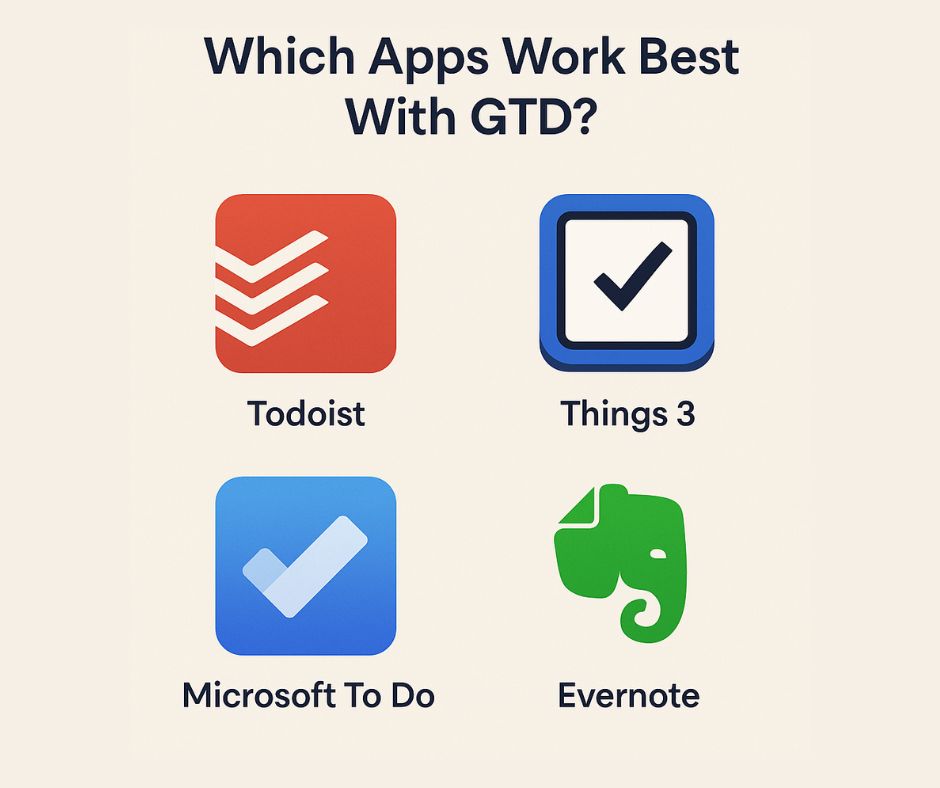
- Todoist: Allows project creation, due dates, and context labels like @home or @work
- Things 3: Offers a clean interface for Apple users with built-in areas for work and personal tasks
- Microsoft To Do: Integrates with Outlook and helps create focused daily task lists
Note Taking Apps That Help Capture Ideas Quickly
For collecting thoughts and reference materials:
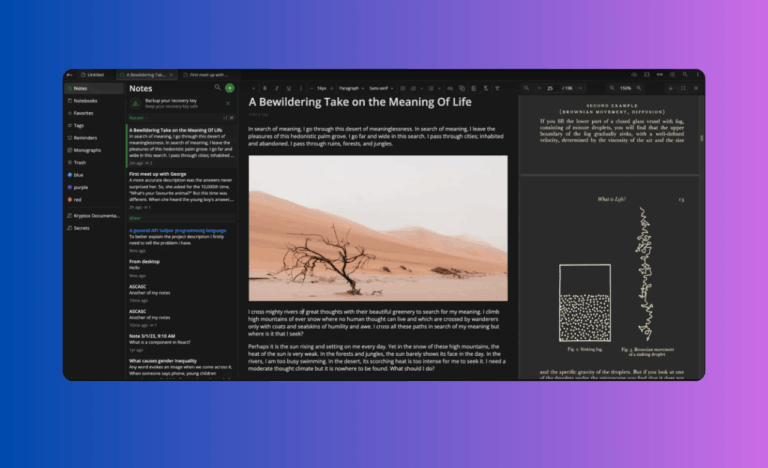
- Evernote: Makes storing and retrieving reference materials simple with notebooks and tags
- Obsidian: Links related notes together, ideal for connecting project ideas
- Joplin: Provides privacy-focused note-taking with offline access
Project Management Apps for Complex Work
For managing multiple projects:
- Notion: Combines notes, tasks, and databases in customizable workspaces
- Trello: Visualizes workflows with card-based boards
- ClickUp: Offers highly customizable lists and automation features
The best app depends on your specific needs. Many GTD practitioners combine several apps using one for quick capture, another for task management, and possibly a third for reference materials.
Is GTD Right for Your Situation?
GTD works particularly well for people who:
- Manage multiple projects simultaneously
- Deal with unpredictable workflows and changing priorities
- Need to balance work and personal responsibilities
- Feel overwhelmed by mental clutter
The system requires initial effort to set up and maintain, but most users find the investment worthwhile. Starting with just the capture and clarify steps can provide immediate benefits.
For best results, try implementing GTD gradually rather than attempting a complete overhaul of your current systems. Begin by capturing everything on your mind, then slowly incorporate the other steps as you build confidence in the process.
With consistent application, GTD can transform how you handle responsibilities. The real benefit isn’t just getting more done, it’s gaining mental clarity and reducing stress while doing it.
References
- John Sweller, CHAPTER TWO – Cognitive Load Theory, Editor(s): Jose P. Mestre, Brian H. Ross, Psychology of Learning and Motivation, Academic Press, Volume 55.
- Bergan, Peder, “A Theoretical Framework for Personal Task Management” (2024). ECIS 2024 Proceedings. 22. https://aisel.aisnet.org/ecis2024/track02_general/track02_general/22
- Heylighen, Francis & Vidal, Clément. (2008). Getting Things Done: The Science Behind Stress-Free Productivity. Long Range Planning. 41. 585-605. 10.1016/j.lrp.2008.09.004.